Case study
salon booking system.
Lets nail-salon guests book a real open slot online. The salon is made up but the services are real: times come from the owner's Google Calendar, confirmations go out by email, and a daily job sends reminders the day before.
- Role
- Solo: product, design & build
- Type
- Practice build, full-stack web app
- Demo
- Public demo, source kept private
The spark
Most booking demos stop at a nice calendar picker. I wanted to build the parts a real salon would need after the click: checking the owner's actual schedule, putting the appointment on the owner's calendar, and reminding the customer the day before. So I set it up as practice with a made-up salon, Bloom Nails, and real integrations.
The problems to solve
- P1
Booking demos stop at the calendar picker
Without schedule checks, calendar writes and confirmations, a booking demo doesn't show what a real salon needs. This practice build uses a made-up salon, Bloom Nails, connected to real services.
- P2
A second schedule leads to double bookings
A small salon already runs its day from one calendar. If the booking tool keeps its own separate schedule, the owner has to update two places, and double bookings follow.
- P3
No-shows cost a whole slot
When a customer doesn't show up, the salon loses the whole slot. A reminder the day before is the cheapest fix, as long as nobody has to remember to send it.
How it works
- 01
Pick a service
The customer picks a service and sees its length and price. No account needed: name, email and phone are enough.
SolvesP1
- 02
See real open times
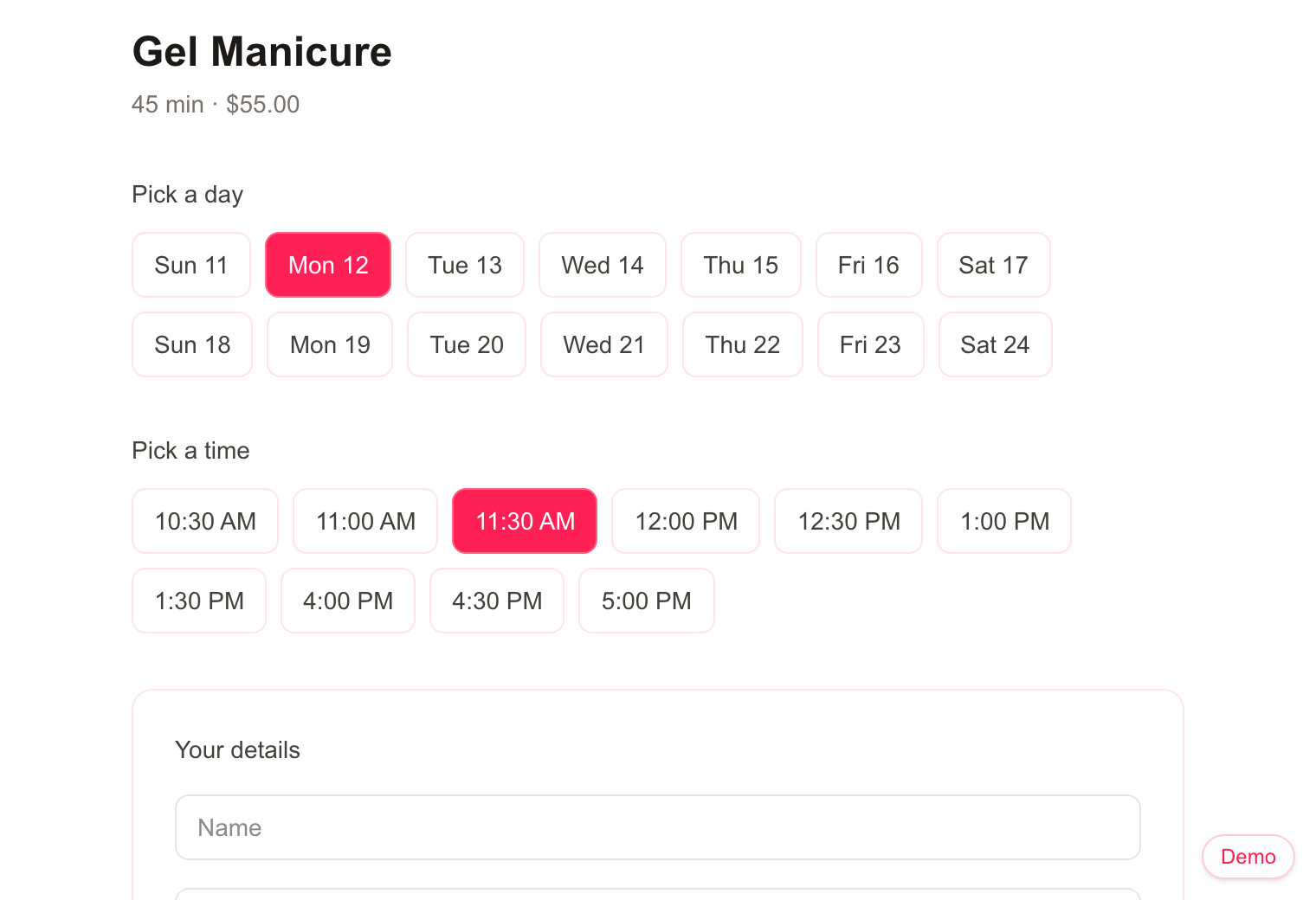
Open times are worked out from the salon's hours (9 to 6, closed Sundays, a start every 30 minutes, and the service has to end by closing), minus anything already on the owner's Google Calendar and any confirmed booking. Customers can book up to 14 days ahead.
SolvesP1P2
- 03
Confirm
On submit the server checks the slot again. If someone took it in the meantime, the customer is told it's no longer available. Otherwise the booking becomes a calendar event with the customer as a guest, then a database row, then a confirmation email.
SolvesP1P2
- 04
Remind the day before
A scheduled job runs once a day and emails every customer whose booking is tomorrow. Each booking records when its reminder went out, so running the job twice never sends two emails.
SolvesP3
Product decisions
The calendar is the dashboard
I didn't build an admin screen. The owner's Google Calendar is the source of truth: a personal appointment added there blocks that time for customers, and every booking shows up in the calendar the owner already checks.
SolvesP2
Check the slot twice
A time that was open when the page loaded may be gone a minute later. Checking again at submit time means two people can't book the same slot.
SolvesP2
A failed email doesn't cancel a booking
The calendar event and the database row are the booking. The email comes last, and if it fails the error is logged but the booking stands.
SolvesP1
Works before any keys are set up
Without Google or Resend credentials, each integration falls back to a logged placeholder, so the whole flow runs with only a database. That made it easy to build and test before connecting real accounts.
SolvesP1
Built with
Demo
Try a booking. This demo runs entirely in your browser: open times use the real slot rules, busy times are made up, and nothing is saved or emailed.
Outcome
The full flow works end to end: real open times from a calendar, a calendar event per booking, a confirmation email, and a reminder the day before. The public demo runs the same slot rules in the browser, with made-up appointments in place of a real calendar and nothing sent or saved.
What's next
- Let customers cancel or reschedule from the email.
- Store the salon's time zone, so opening hours don't depend on where the server runs.